
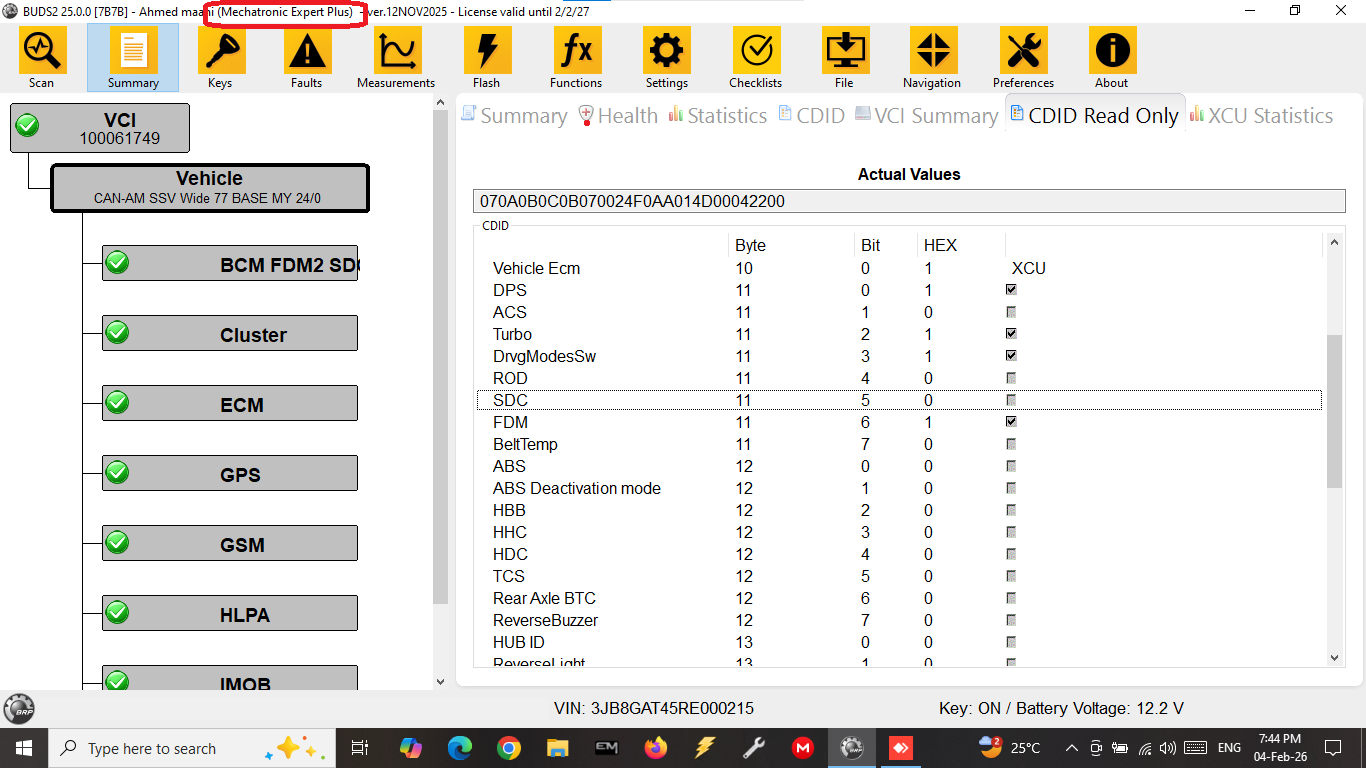
Mandatory Update: Install the Latest BUDS2 Version 25.0.0_7B7B_3-02-26
DIAG-SYSTEMS informs all customers and service technicians that BUDS2 software versions released before September 2025 are no longer operational.
Following system changes implemented by BRP, earlier software builds stopped functioning correctly.
BRP has released an updated version which resolves these issues.
For continued diagnostic operations, it is now mandatory to install the latest BUDS2 release — version 25.0.0_7B7B_3-02-26.
This update ensures proper communication with supported BRP vehicles and restores full diagnostic functionality.
Clean Installation Procedure
If you have previously used BUDS2, it is strongly recommended to perform a clean installation of the software.
Before starting the installation process, users should save vehicle settings files generated during previous diagnostic sessions.
Each time a vehicle is scanned using BUDS2, the software automatically creates a configuration file with the extension .buds2.
These files are stored in the following directory:
C:\Program Files (x86)\BRP\BUDS2\Files
The file name structure includes:
-
Vehicle VIN
-
Date of scan (year / month / day)
-
Exact time when the file was created
For example:2BX2GEGZ8KJ000000_20250523190848.buds2
Saving these files is important because they may be required in the future for restoring specific vehicle configuration parameters.
Step-by-Step Installation Instructions
-
Uninstall the previous BUDS2 version
Open Control Panel → Programs and Features and remove the existing BUDS2 installation. -
Delete the remaining program folder
Manually remove the directory:
C:\Program Files (x86)\BRP\BUDS2 -
Install the latest software version
Download and run as Administrator the installer:
BUDS2_25.0.0_6700_Setup.exe
After the installation process is completed, previously saved vehicle settings files can be copied back into the folder:
C:\Program Files (x86)\BRP\BUDS2\Files
This will allow continued access to historical vehicle configuration data.
Technical Recommendation
Using the latest BUDS2 version is essential for maintaining compatibility with updated diagnostic environments and ensuring stable communication between diagnostic software and vehicle electronic modules.
For assistance with installation, licensing or remote technical support, customers can contact DIAG-SYSTEMS at any time.